Instagram & TikTok OOTD
Turn street-style or mirror selfies into polished outfit-of-the-day flat lays. Perfect for fashion influencers, stylists, and lifestyle creators who post daily looks.

Free AI Tool
Upload any outfit or product photo. Our AI extracts clothing, shoes, bags, and accessories into a clean, Instagram-ready knolling layout—perfect for social media, Etsy, Shopify, and lookbooks.
What would you like to extract?
Drag & drop your photo here
or click to browse · JPEG, PNG, WebP · Auto-compressed on upload
Your extracted flat lay will appear here
What is a Flat Lay?
A flat lay is a photograph taken from directly above, with items arranged neatly on a flat surface—often a white or neutral background. In fashion, this style is called knolling or an outfit of the day (OOTD) layout: each piece of clothing and accessory is separated and displayed like a magazine spread.
StyleLayer's AI flat lay generator automates that process. Instead of manually cutting out items in Photoshop, you upload one photo and our AI extracts products, removes distractions, and composes a minimalist layout—saving hours for creators, sellers, and stylists.
Use Cases
From social media to online stores, clean product imagery drives clicks and sales.
Turn street-style or mirror selfies into polished outfit-of-the-day flat lays. Perfect for fashion influencers, stylists, and lifestyle creators who post daily looks.
Create consistent, white-background product shots for handmade goods, vintage clothing, shoes, and accessories—without renting a studio or hiring a photographer.
Build seasonal lookbooks, client styling boards, and editorial layouts faster. Extract each piece from one reference photo and reuse across campaigns.
Isolate sofas, chairs, and décor from room photos for Pinterest boards, furniture listings, and interior design presentations.
Extraction Modes
Pick a preset or describe a custom item. Each mode is optimized for different product categories.
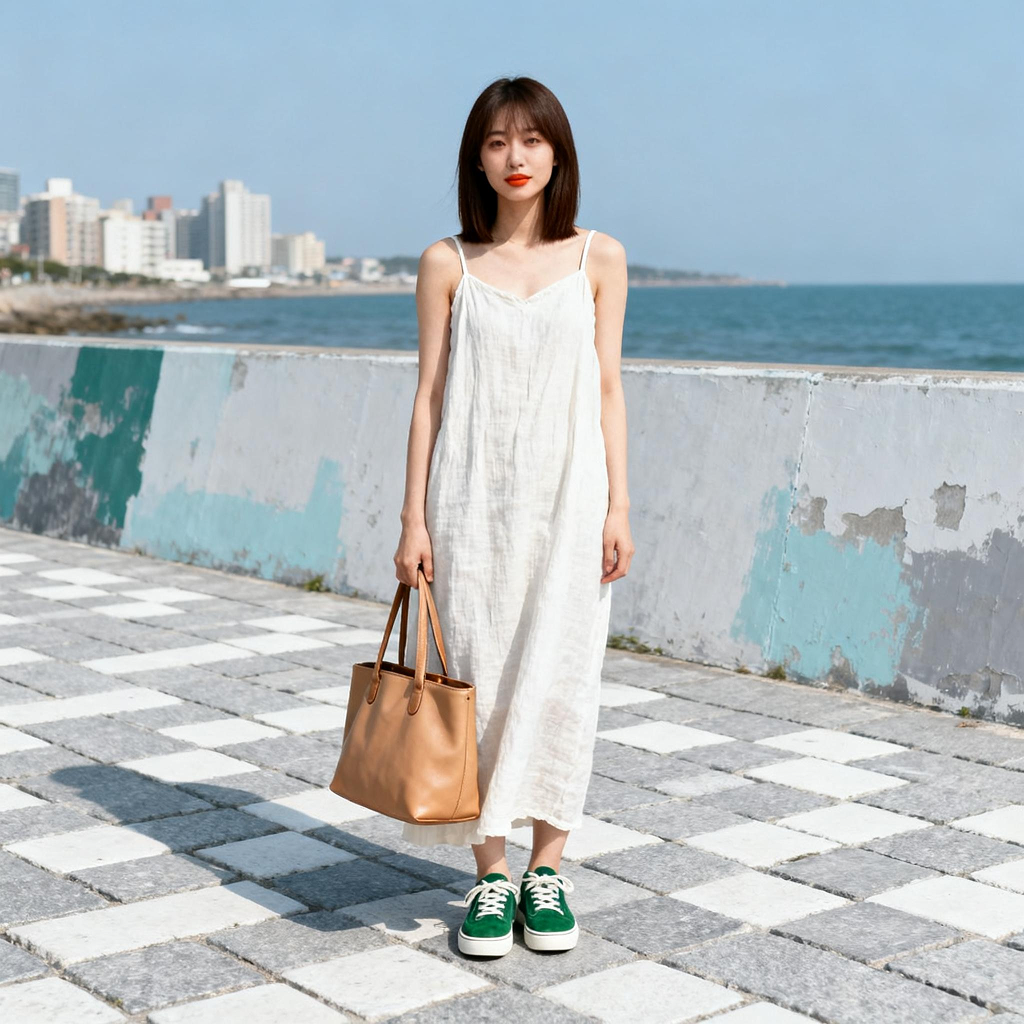
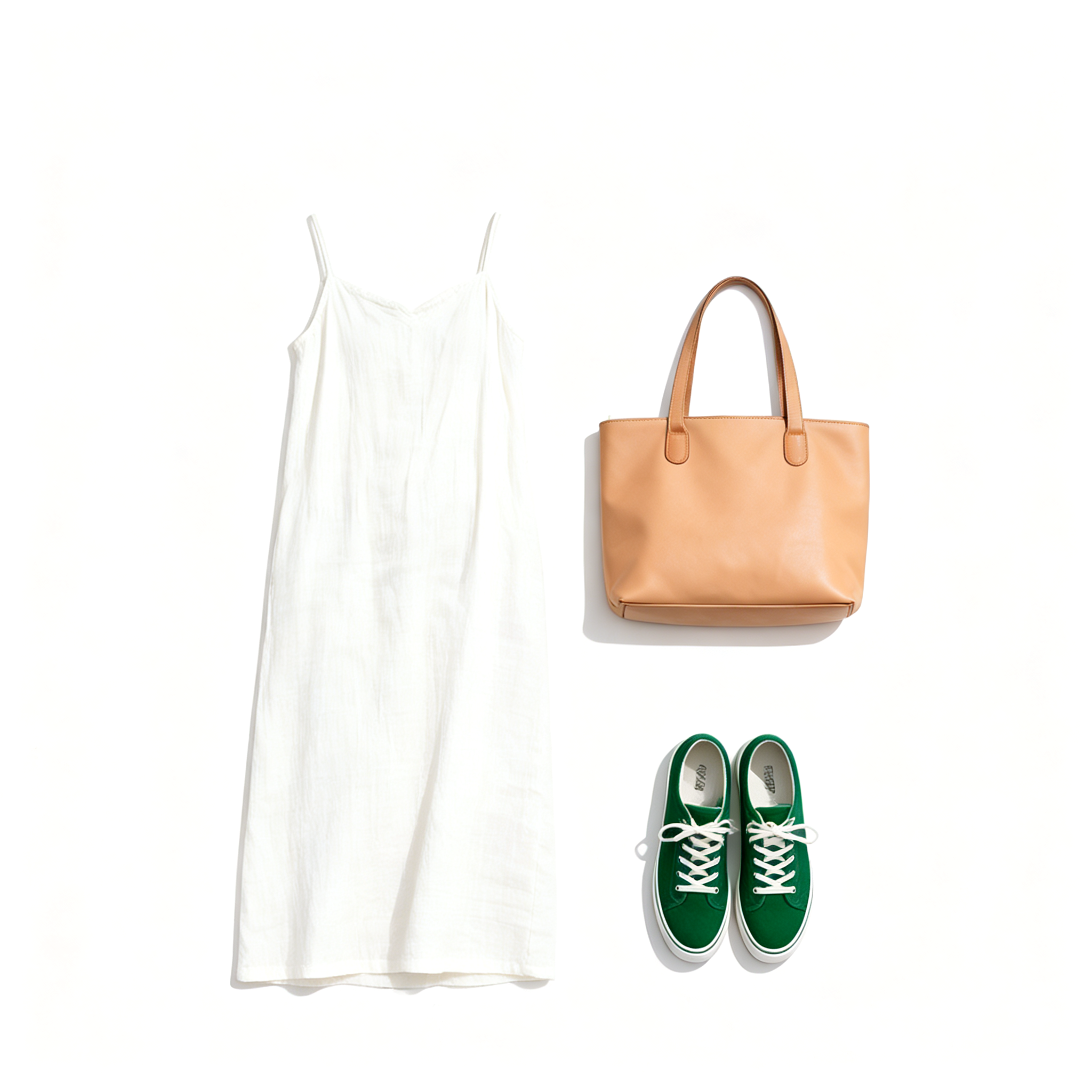
Deconstruct an entire look—tops, pants, shoes, bags, and jewelry—into a single Instagram-style knolling flat lay on a clean white background.
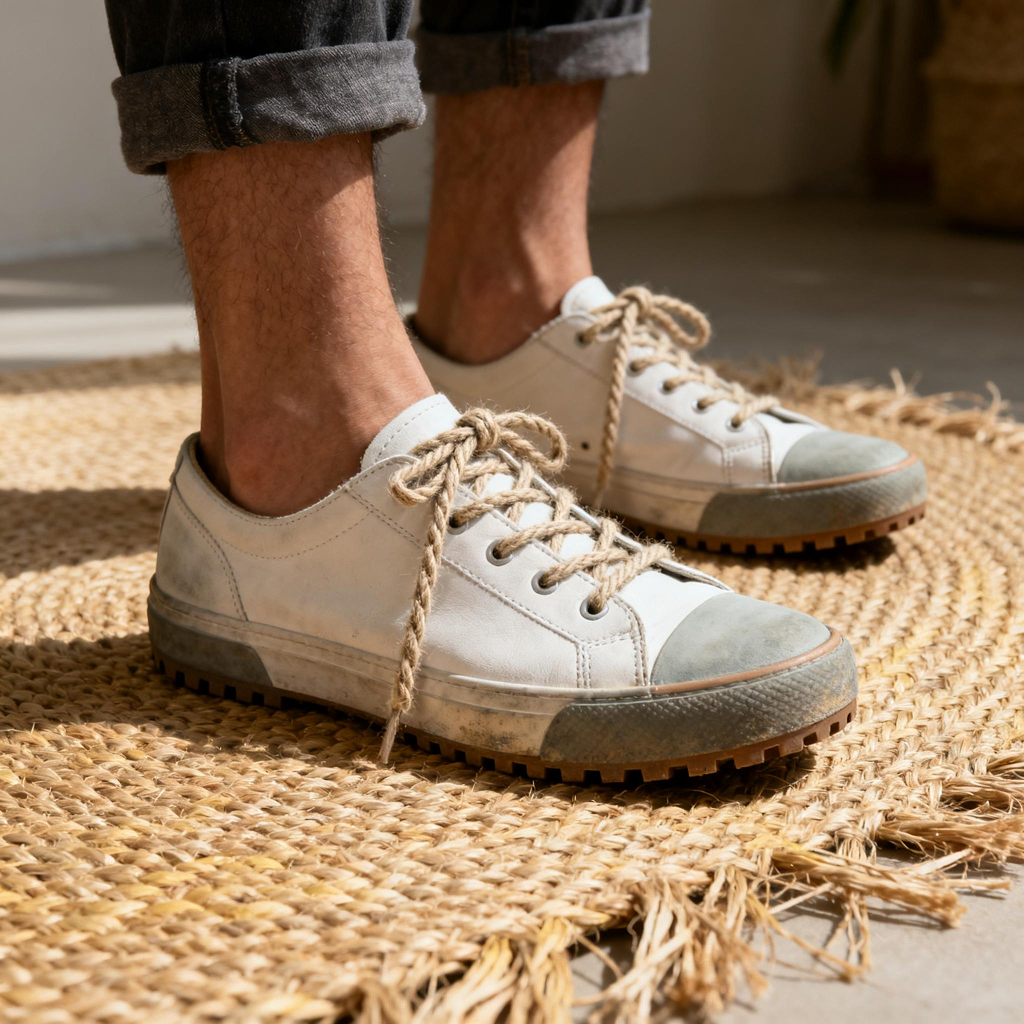
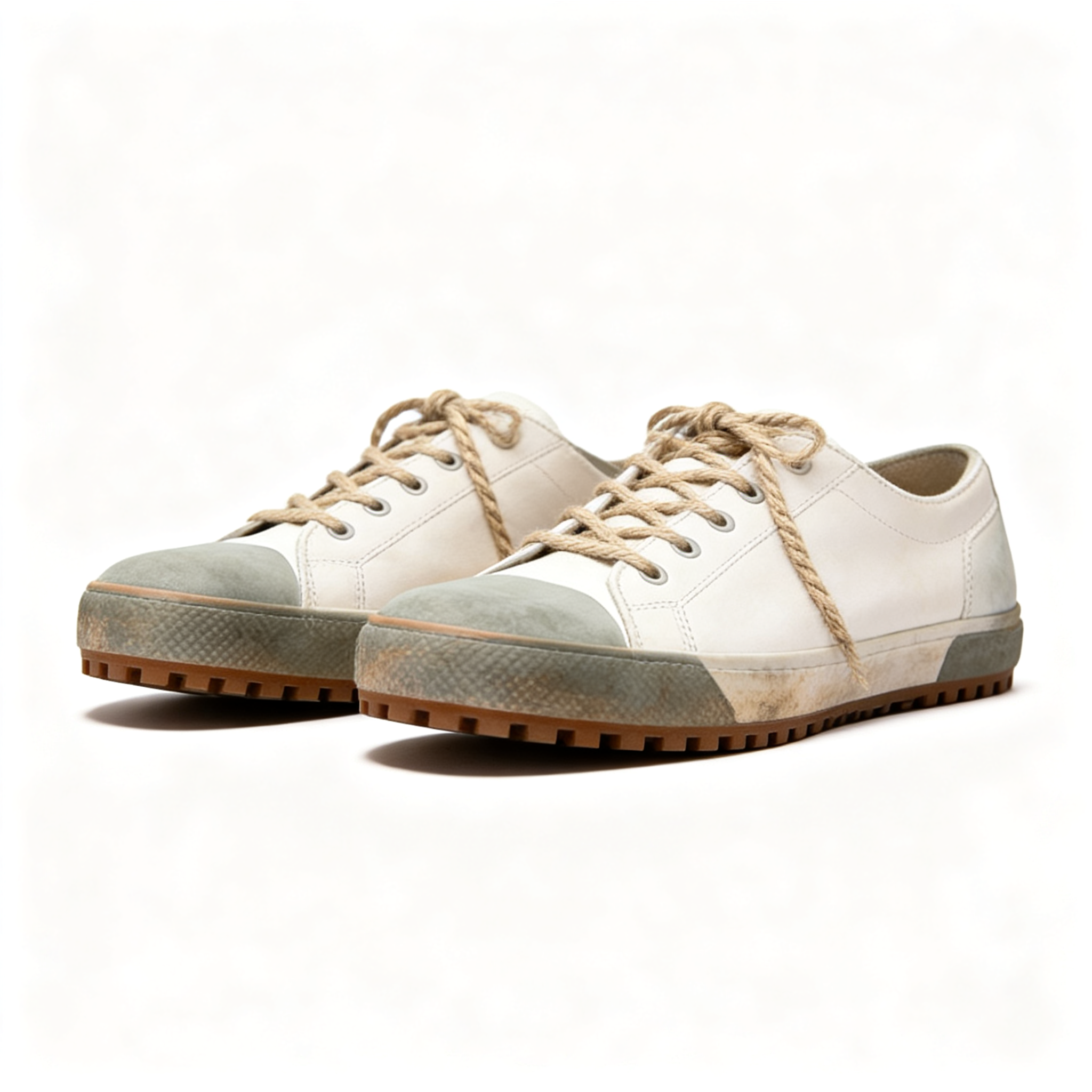
Extract sneakers, heels, or boots from any photo into isolated product shots for marketplaces and social posts.
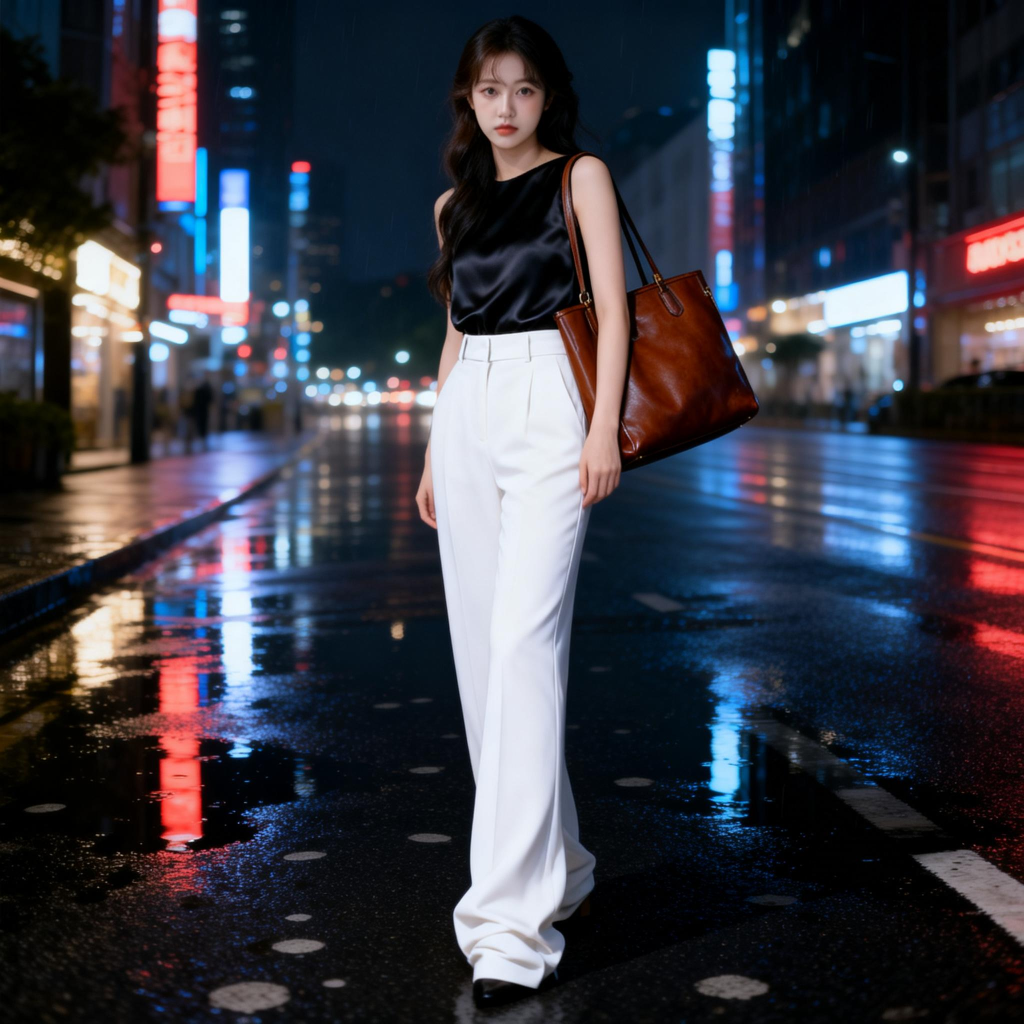
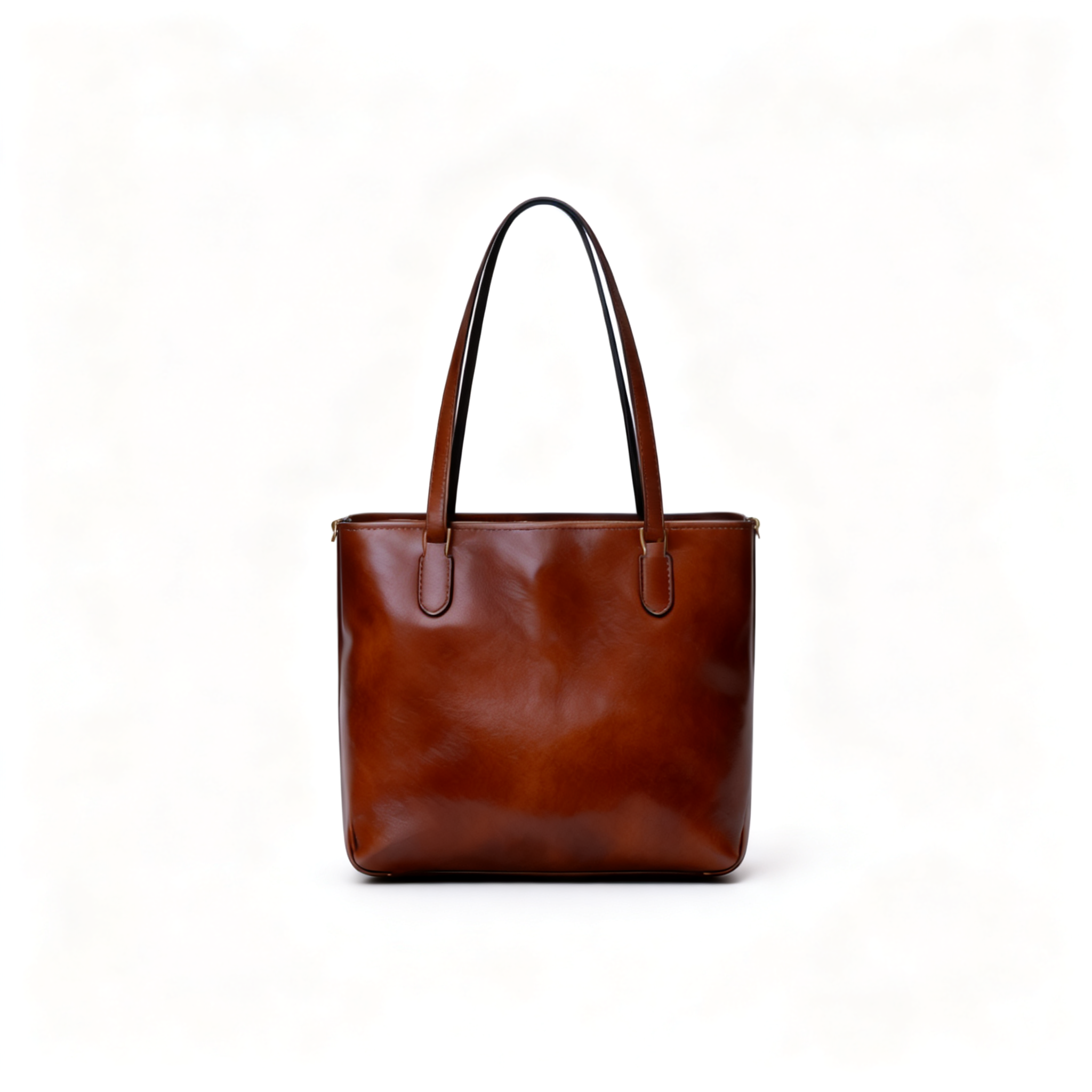
Pull bags and straps out of cluttered scenes for minimalist e-commerce and catalog imagery.

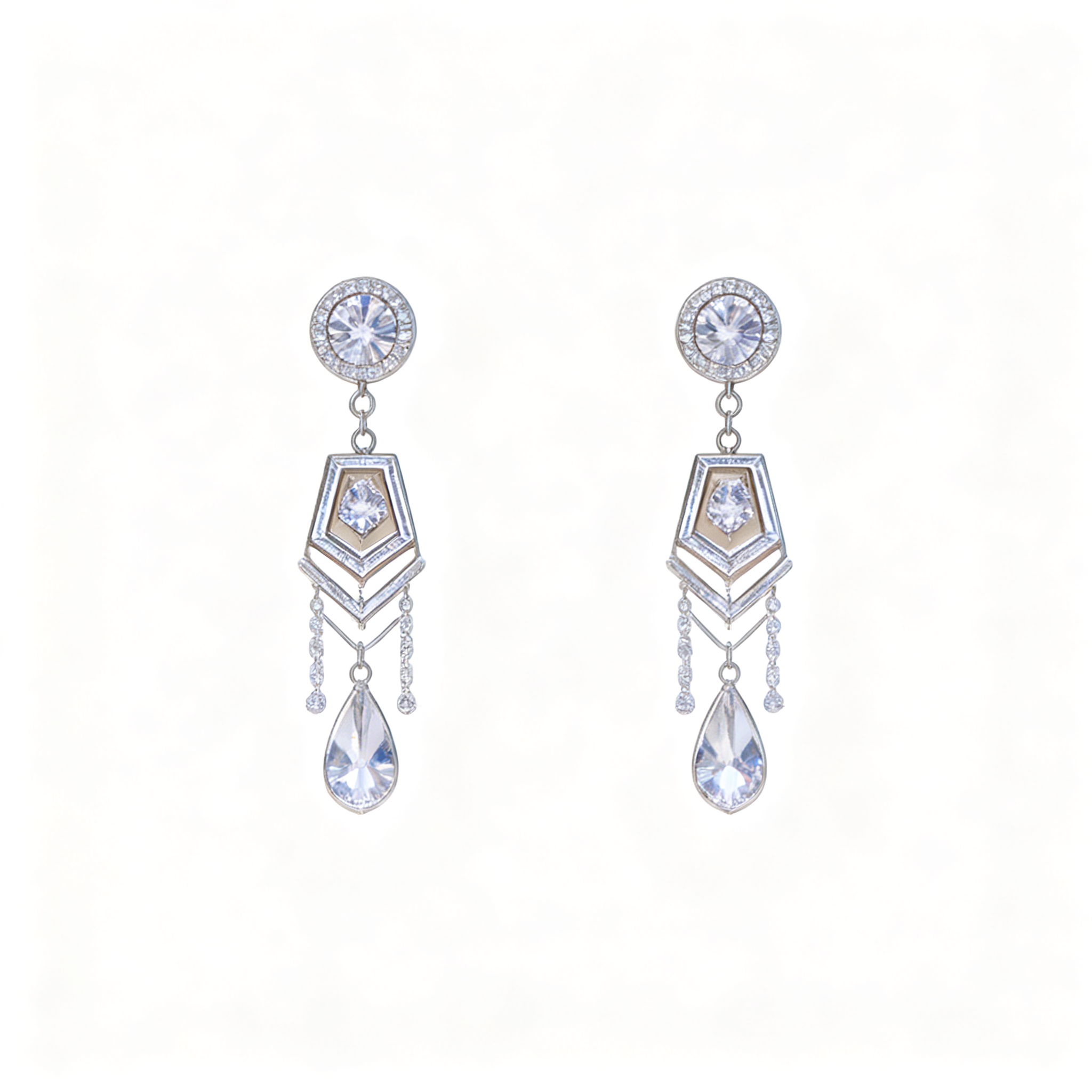
Highlight rings, earrings, watches, and small accessories with studio lighting and sharp detail.
Also available: Furniture, Daily Items, and Custom extraction for any object you name.
Simple Process
Use any outfit selfie, product shot, or room photo. We accept JPEG, PNG, and WebP.
Choose full OOTD, shoes, bags, accessories, or enter a custom item to isolate.
Get a high-resolution image in seconds—ready for Instagram, Etsy, or your store.
Skip expensive photo shoots. One casual photo is enough for a professional flat lay.
Advanced image models identify garments and objects, then rebuild them as clean, top-down layouts.
Full outfits, single categories, or custom items—choose the workflow that fits your content.
Export PNGs ready for social feeds, ads, and product pages.
FAQ
An AI flat lay generator turns everyday photos into clean, top-down product layouts. StyleLayer extracts clothing, shoes, bags, and accessories from your image and arranges them on a white background—ideal for OOTD posts, Etsy listings, and lookbooks.
No. Upload a mirror selfie, street-style snap, or casual product photo. Our AI handles background removal, item separation, and flat lay composition automatically.
Choose Full Outfit (OOTD), Shoes, Bags, Accessories, Furniture, Daily Items, or enter a Custom item such as earrings, watches, or hats.
Most images complete in 15–30 seconds. Complex photos with many items may take slightly longer.
Yes. Images you create with StyleLayer are yours to use on Instagram, TikTok, Pinterest, Etsy, Shopify, Amazon, and other commercial channels.
New accounts receive 3 free credits. Each generation uses 1 credit. Additional credits are available on our pricing page.
Learn More
Learn how to batch-process hundreds of product photos with AI. Folder organization, quality control, ROI math, and marketplace bulk upload workflows for 2026.
Master flat lay content for Instagram and TikTok in 2026. Learn formats, sizing, posting strategy, and how AI turns outfit photos into scroll-stopping knolling layouts.
Master Amazon's product image rules for 2026. Learn main image requirements, common rejections, and how AI helps you stay compliant while saving hours.
Upgrade for monthly credits, priority processing, and watermark-free downloads.